
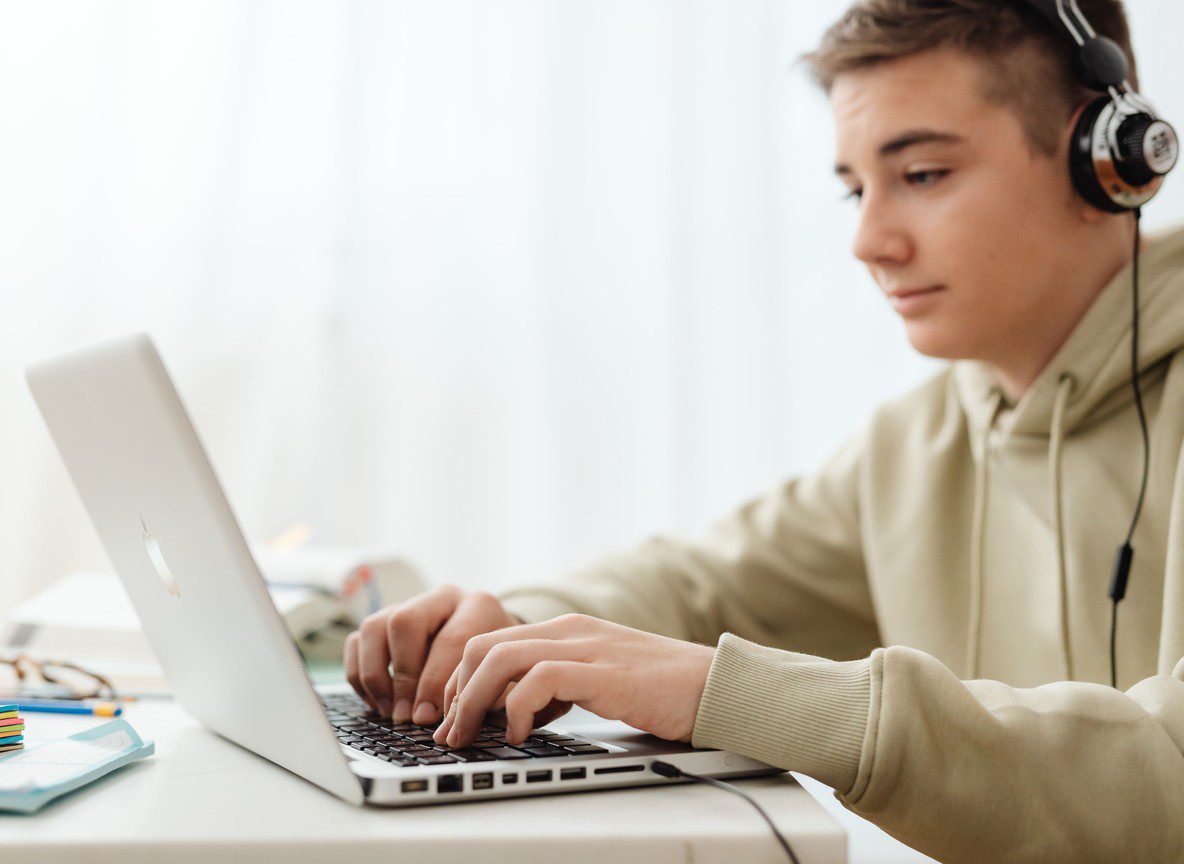
Taking a proctored exam at home sounds simple until you are sitting in front of your laptop, staring at a webcam, and wondering if blinking too fast will get you flagged. If you are preparing for a home proctored exam — or you are already dreading the whole thing — you are in the right place. This guide walks you through exactly how to take a proctored exam at home, what the software is watching for, and how to avoid the mistakes that catch students off guard. And if the pressure is too much? GetMyExamsDone offers professional academic help and online classes support so you do not have to face it alone.
Part of our complete guide: Proctored Exam Help

What Is a Proctored Exam at Home?
A proctored exam is any test where your activity is monitored to confirm academic integrity. In a traditional setting, a human proctor sat in the room with you. Now, most schools and certification bodies have moved to remote proctoring — software that watches you through your webcam, microphone, and screen during the entire exam session.
The most widely used platforms include ProctorU, Examity, Honorlock, Respondus Monitor, and Proctorio. Each works slightly differently, but they all do the same core things:
- Record your face, eyes, and room through your webcam
- Record your screen and every application running on your device
- Flag unusual behavior for human review after the exam
- Lock down your browser so you cannot open other tabs or applications
Some platforms use a live human proctor watching in real time. Others use AI to flag moments and send a clip to a reviewer later. Either way, the system is designed to catch anything that looks like cheating — including things that are completely innocent, like glancing to the side while you think.
Understanding what the software is doing helps you behave naturally and avoid unnecessary flags. That is the first step to taking a proctored exam at home successfully.
How to Set Up Your Space Before the Exam
Your physical environment matters as much as your knowledge. Proctoring software scans your room at the start of every session, and reviewers will check the recording if anything seems off. Here is how to prepare:
Choose a private, quiet room. Close the door. If you have roommates or family, let them know you cannot be interrupted. Unexpected people walking behind you during an exam is one of the most common reasons sessions get flagged.
Clear your desk completely. Remove books, notebooks, phones, second monitors, and any papers that are not explicitly allowed by your institution. The room scan at the start will pick up anything on your desk or visible on the walls behind you.
Set up good lighting. You need your face clearly visible at all times. Sit facing a light source — a window or a lamp in front of you, not behind you. If your face is shadowed or dark, the proctor software may flag you even when you are doing nothing wrong.
Use a wired internet connection if possible. Wi-Fi drops are the number one technical reason students lose their exam session. A wired connection is more stable. If you must use Wi-Fi, sit as close to your router as you can and make sure no one else in your home is streaming video during your exam window.
Test your equipment the day before. Most proctoring platforms have a pre-check tool you can run 24 hours ahead. Use it. Check your camera, microphone, browser, and internet speed. The minimum speed requirement for most platforms is 1 Mbps upload and 1 Mbps download — though 5 Mbps or above is much more reliable.
Technical Requirements You Cannot Afford to Miss
Every proctored exam platform has a list of technical requirements published on their website. You need to read the specific requirements for your platform, but here are the common ones across all major tools:
- Browser: Most platforms require Google Chrome with a specific extension installed. Install the extension before the day of the exam.
- Camera: Your webcam must show your full face and part of your upper body. Laptop built-in cameras are usually fine. External USB cameras work too.
- Microphone: Built-in laptop microphones are acceptable, but a headset with a mic gives better audio clarity. The software monitors background noise and may flag extended periods of unusual sound.
- Operating system: Most platforms support Windows 10/11 and macOS 10.14 or later. Chromebooks and tablets are often not supported — check before exam day.
- Banned software: Close everything before you start. Discord, Zoom, screen recorders, and virtual machines are commonly blocked. Some platforms scan your running processes and will refuse to launch the exam if blocked software is open.
The University of Cincinnati’s Center for Online Learning has published a helpful overview of remote proctoring standards that mirrors what most institutions require — worth reading before your first session.
If you are unsure whether your setup meets the requirements, GetMyExamsDone can help you navigate the process as part of our academic help and online classes support services.
What Happens During a Proctored Exam at Home
Once you launch the session, here is the typical sequence:
- Identity verification — You hold your government-issued ID up to the camera. The system reads and records your name and photo.
- Room scan — You slowly rotate your camera around the room so the proctor can see your entire space. Some platforms ask you to show under your desk and the back of your monitor.
- Exam launch — Your browser locks down. The exam loads. The timer starts.
- Monitoring — For the duration of the exam, the software is recording. With live proctoring, a human is watching. With AI proctoring, algorithms are flagging anything unusual.
- Submission — You submit your answers. The exam session closes and the recording uploads.
What gets flagged: looking off-screen frequently, covering your mouth, talking (even to yourself), background voices, a second person appearing on camera, or your eyes moving to a position that suggests you are reading something off-screen. None of these things are automatic disqualifications — they go to a human reviewer who decides whether the behavior is suspicious in context.
Stay calm. Look at your screen. If you need to think, look down or straight ahead — not to the side where a phone or notes might be.
Common Mistakes That Trigger Flags
Students who have never taken a proctored exam at home make the same errors repeatedly. Avoid these:
Starting late. Log in at least 15 minutes before your exam window opens. The identity check and room scan take time. If your exam is scheduled for 10:00 AM and you log in at 10:03 AM, you may lose exam time or be denied entry entirely.
Using a phone as a backup. Phones are not allowed in the room. A phone on your desk — even face down, even turned off — is a flag. Take it to another room entirely.
Wearing earbuds. Unless your institution explicitly allows them, earbuds and headphones are usually prohibited. The proctor cannot verify you are not listening to notes or being fed answers.
Talking out loud. Many students think through problems by muttering. During a proctored exam, audio is recorded. Muttering is flagged as potential communication with a third party.
Leaving the camera frame. If you stand up, lean back too far, or tilt your laptop, your face may leave the frame. The software flags this as a potential attempt to consult materials off-camera.
When the Exam Feels Like Too Much
Proctored exams add a layer of anxiety that regular exams do not carry. You are being watched. You cannot move freely. Technical failures can cost you the entire attempt. And if the material itself is hard, the surveillance layer makes everything worse.
This is where GetMyExamsDone steps in. Our team provides professional academic help and online classes assistance for students who are overwhelmed, under-prepared, or juggling too many responsibilities to perform at their best. Whether you need help with proctored exams, final exams, math tests, or nursing exams, GetMyExamsDone connects you with subject-matter experts who know the material and know the platforms.
Every engagement is handled with full confidentiality. We do not share your information, your institution, or any details of your request with anyone. Payments are processed securely. Our team works around your deadline — same-day and urgent requests are handled regularly.
Students come to GetMyExamsDone when they have run out of time, when the content is beyond what self-study can fix before the exam date, or when personal circumstances have made preparation impossible. There is no judgment here. There is just a team ready to help you move forward.
If you want to handle the exam yourself, this guide gives you everything you need. If you want professional support, GetMyExamsDone is available right now.
Frequently Asked Questions About Proctored Exams at Home
Can proctoring software see my entire screen? Yes. Most platforms take full control of your browser and can see everything visible on your screen during the exam. Some platforms also take screenshots at random intervals and record your entire desktop if you exit the locked browser.
What happens if my internet cuts out during a proctored exam? It depends on the platform and your institution’s policy. Most platforms save your progress locally and allow you to reconnect. However, a disconnection is flagged for review. Contact your instructor or the proctoring support line immediately if this happens.
Is it legal to get help with a proctored exam? Academic policies vary by institution. GetMyExamsDone provides academic help and online classes support within the context of each student’s specific situation. Contact us directly to discuss your circumstances.
How early should I set up before a proctored exam? At minimum 15 to 20 minutes before your scheduled start. If it is your first time using the platform, run the technical pre-check the day before and give yourself 30 minutes on exam day.
What do I do if the proctoring software will not launch? Check that your browser extension is installed and up to date. Restart Chrome. Close all other applications. If the problem persists, call the proctoring platform’s support line — they operate 24/7. Save the support ticket number in case you need to document a technical failure to your instructor.
Ready to Get Help Right Now?
Whether you want to take your proctored exam yourself or have GetMyExamsDone handle it for you, our team is standing by. Reach out on WhatsApp at +16823960074 or email us at info@getmyexamdone.com and a member of our academic help and online classes team will respond within minutes. No judgment, no delays — just results.
Image credits: Photo by www.kaboompics.com on Pexels; Photo by Andy Barbour on Pexels; Photo by Raúl Sotomayor on Pexels
Sources and Related Reading
For authoritative background, see the International Center for Academic Integrity, the National Council of State Boards of Nursing.
More from GetMyExamsDone: Can I Take My Proctored Exam At Home, Can You Take A Proctored Exam At Home, Are Proctored Exams Legal.


